Creating Your Account On Scratch
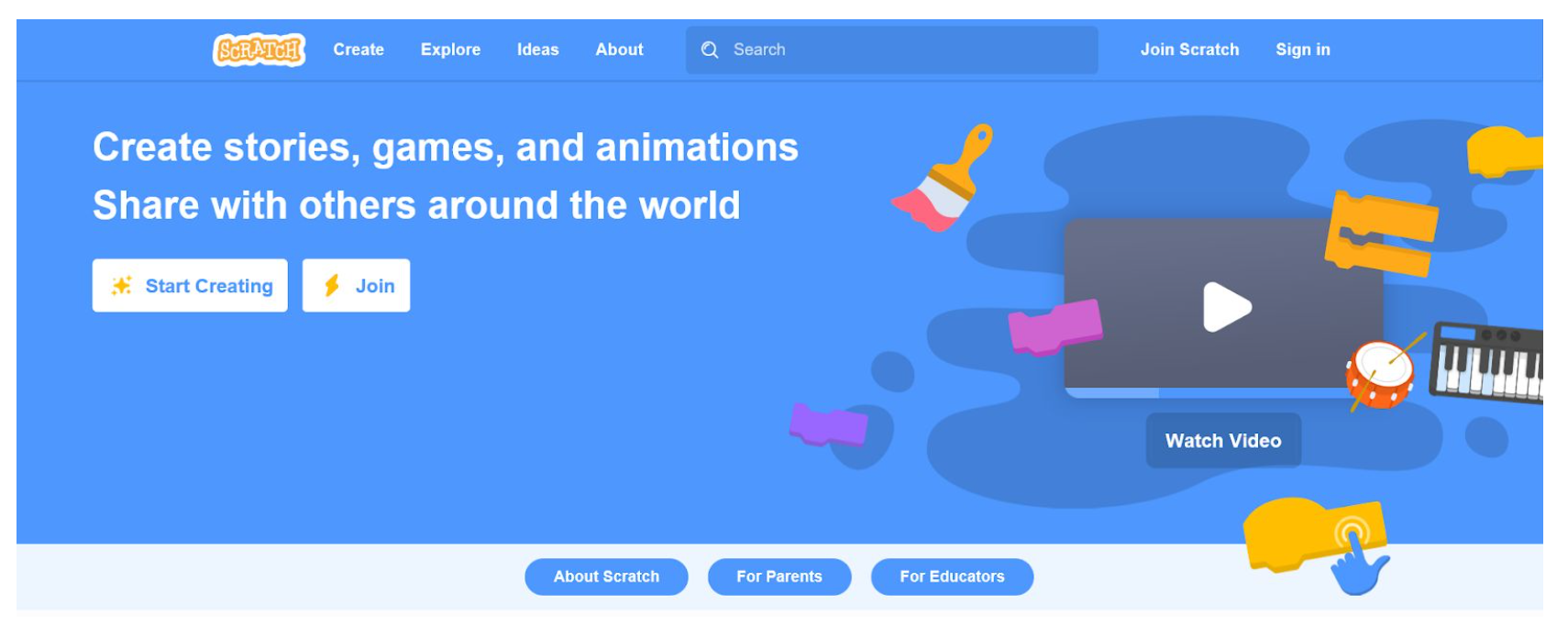
Step 1:
Visit the Scratch Website
www.scratch.mit.edu
Step 2:
Click on “Join Scratch”
Step 3:
Create a username and password
Add your username and password to my google sheet (click the bottom)
Step 4:
Choose your country
Step 5:
Enter your birth month and year
Step 6:
Enter your gender
Step 7:
Type in your school email address
Step 8:
Check you school email by opening your email account and clicking on the email sent by The Scratch Team. Click on the link in that email.